Take your Midjourney V7 prompts to the next level with art direction, photographic realism and creative parameters.
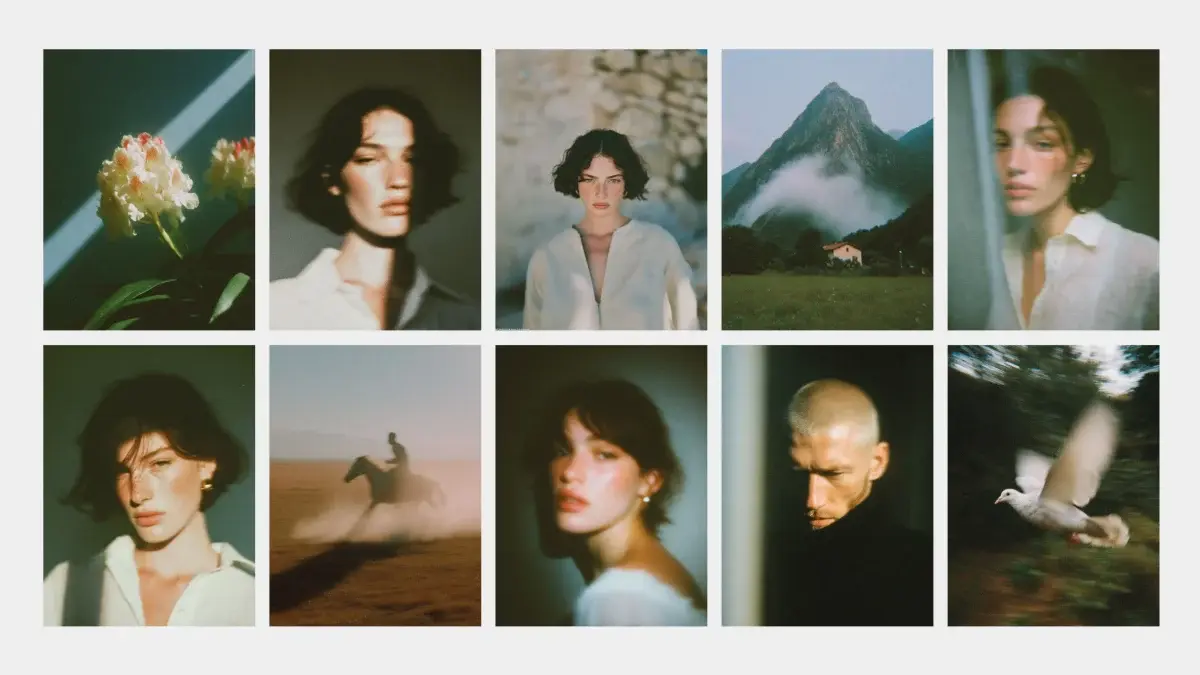
With the arrival of Midjourney V7, generating images with near-photographic realism is more accessible than ever. This version has made a notable leap in three key areas: better prompt interpretation, more convincing textures, and far more coherent details (yes, even hands). But to get the most out of it, simply writing anything won't do — you need to know how to construct good prompts… and do so with intention.
And so you can see the difference at each step, we'll work with the same base example, going from the simplest version through to its most refined form.
The starting point
We want to generate a portrait-style image. We start with something basic:
"a woman portrait, neutral background, soft light"
This will be our starting point. We'll apply adjustments along the way to see how the image improves visually with each iteration.
ChatGPT as a creative co-pilot
We don't always know how to describe what we imagine. This is where ChatGPT becomes an incredible creative tool. You can ask it to enrich your prompt, make it more visual, or explore specific styles.
Basic prompt:
a woman portrait, neutral background, soft light
Reformulation with ChatGPT (more visual and detailed):
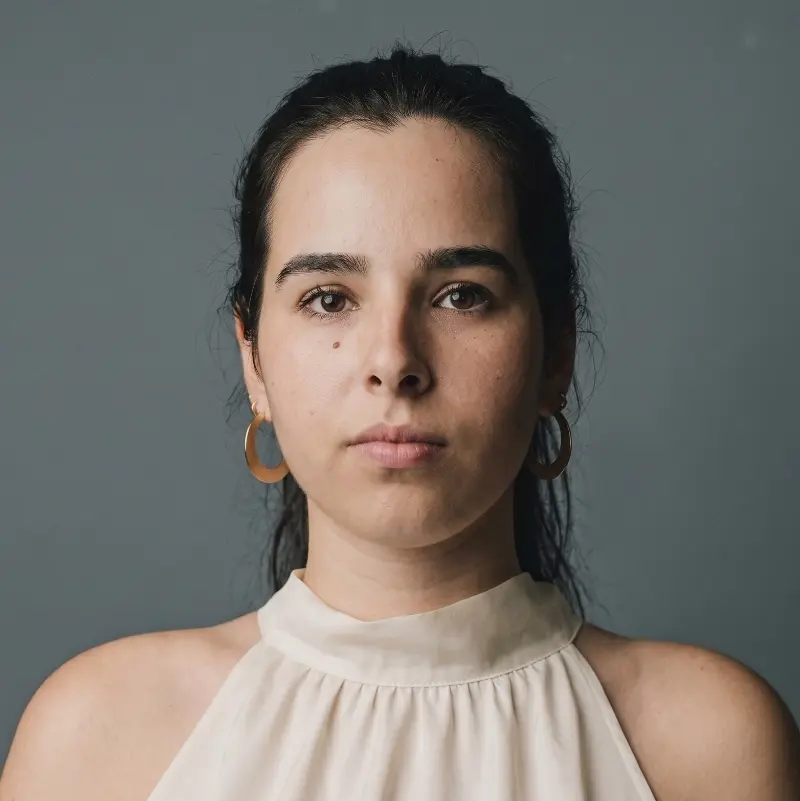
editorial portrait of a young woman wearing a linen blouse, neutral grey backdrop, soft diffused light, 50mm lens, natural skin texture, cinematic tones
editorial portrait of a young woman with Mediterranean features, wearing a linen blouse, neutral grey backdrop, soft diffused light, 50mm lens, natural skin texture, cinematic tones, subtle melancholic expression --ar 2:3 --style raw --s 100 --v 7
Here the language no longer just describes — it directs.
Intermediate techniques to optimise your prompt
Now we start to fine-tune:
-
Aspect ratio (--ar)
1:1 / 4:3 / 2:3 / 16:9 / 9:16
For classic vertical portraits:
--ar 2:3 -
Stylisation (--s)
Indicates how much freedom Midjourney has to interpret the prompt:
Low value = greater fidelity to the text
High value = more visual creativity
→ For realism: --s 100
→ Combined with --style raw you'll achieve a more natural look, without added artistic filters -
Quality (--q)
Increases visual resolution:
--q 2 -
Visual weight (::) (only works in versions below V7)
If you want to emphasise the face over the background: a woman::2 portrait, neutral backdrop::1
What's new in Midjourney V7
--ow (Omni-Reference Weight)
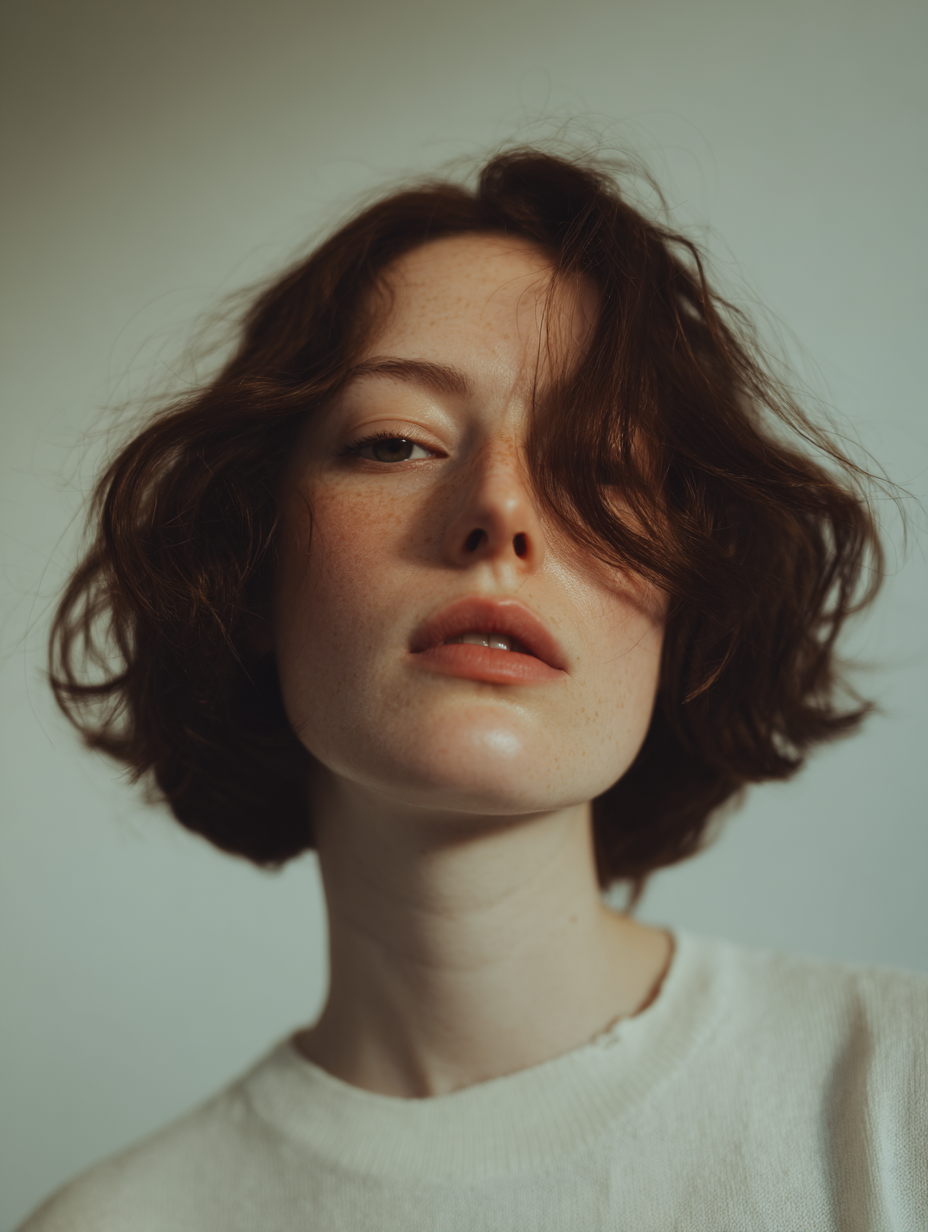
This parameter adjusts the weight of a reference image in the final result, making it especially useful for maintaining consistency of style, character, object or setting across different generations. It is part of the Omni-Reference system.
It applies a reference image (Omni Ref) and allows you to control how much influence it has over the result. It is primarily used for projects requiring visual or identity consistency (for example, recurring characters, editorial campaigns, brands).
How to use it:
Add the reference image using the --oref command and its URL.
Adjust the strength of the reference with --ow (default 100; you can increase it up to 1000 for maximum visual fidelity).
Basic example:
--exp (Experimental aesthetic exploration)
The --exp parameter activates an alternative aesthetic engine that allows for more dynamic and detailed renders to be explored. It is especially useful if you are looking for images with a stronger visual narrative or compositions with greater visual richness and artistic style. It can be combined with --stylize to control the degree of stylisation.
You can try values such as --exp 5, 10, 25, 50, or 100.
From --exp 5 to --exp 50, the jump is very noticeable, and from --exp 50 to --exp 100, the difference is more subtle, but adds an extra layer of aesthetic complexity and less literal visual choices.
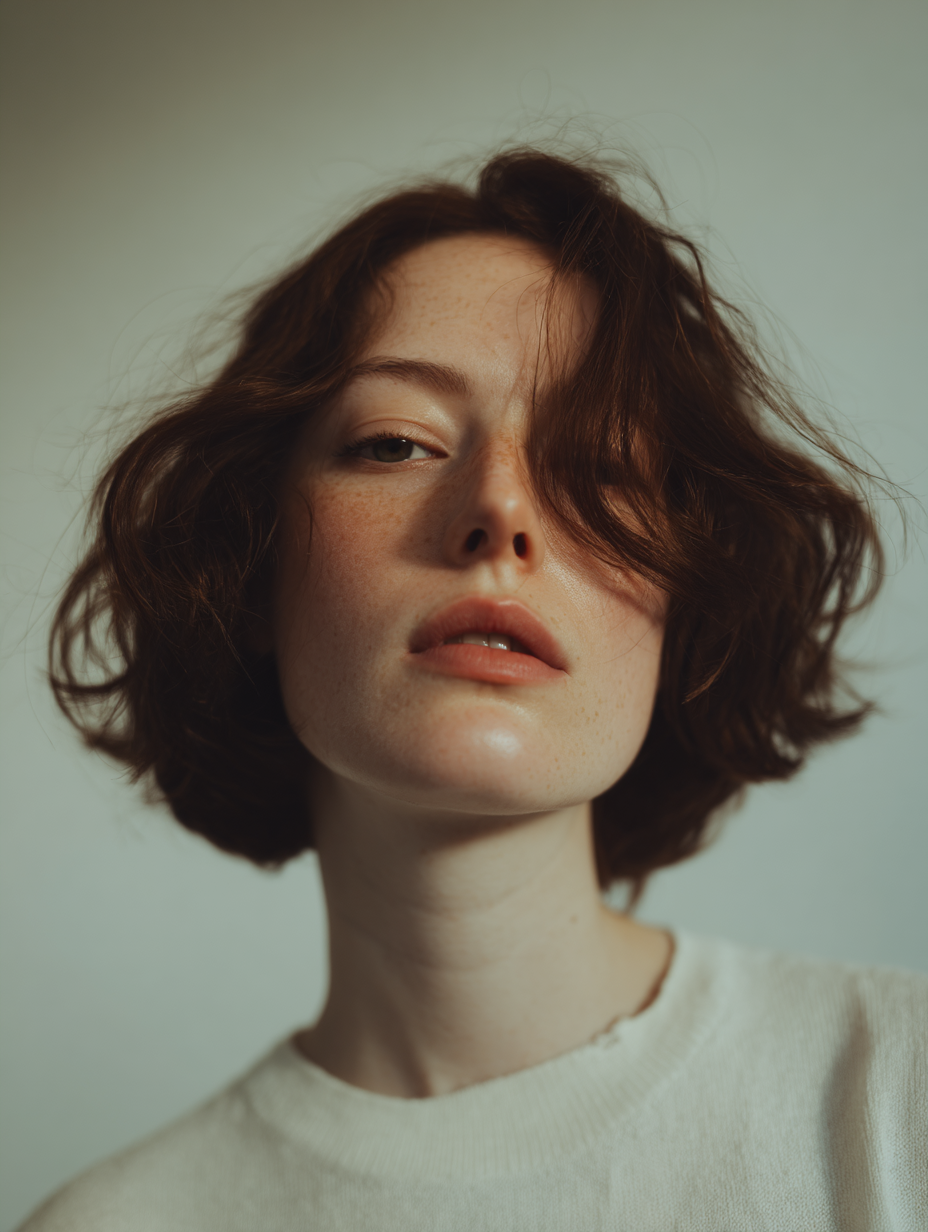
Basic example:
How to achieve authentic realism in Midjourney
If you're looking for images that appear to have been captured by a camera, keep the following in mind:
-
Technical references:shot on Canon EOS R5, realistic lens flare, Fujifilm XT3, 50mm, color graded in Capture One…
-
**Real imperfections:**Adding flaws humanises the image:
fine facial hair, visible pores, slight skin blemishes, creased fabric, messy hair... -
**Avoid generic descriptions:**Don't write "beautiful woman", opt instead for:
"30-year-old woman with olive-toned skin and strong cheekbones" -
Subtle emotions:melancholic, serene, joyful, tense…
-
Request realism explicitly:photo-realistic, magazine-quality
Prompt enriched with micro-details:
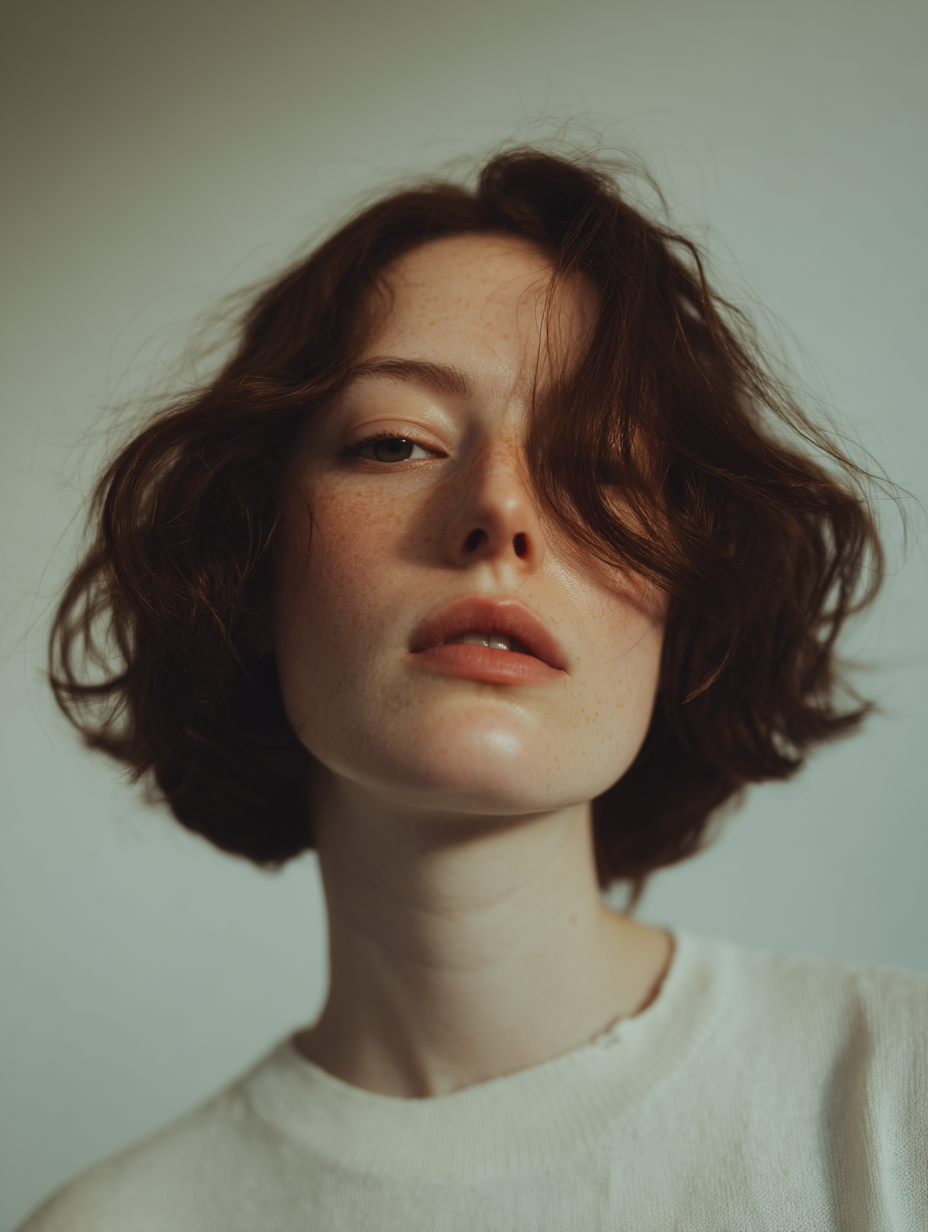
photo-realistic editorial portrait of a young woman with linen blouse, neutral grey backdrop, soft diffused light, Canon EOS R5, 50mm lens, slight blemishes, detailed skin pores, shallow depth of field, creased fabric --ar 2:3 --q 2 --s 100
Conclusion: think like an art director
It's not just about "writing beautifully". It's about thinking like an art director. Midjourney has the technical talent; you provide the vision. And ChatGPT can help you translate that vision into effective visual language.
Always use concrete examples, test variants, and refine each parameter with intention. Because ultimately, a powerful image isn't improvised — it's designed from the text up. Adding small emotional cues to your language can make all the difference between an image that is merely correct and one that truly connects.
One final recommendation: if you are just getting started with generating prompts or want a solid foundation for your first steps, Midjourneyesref is a free tool in Spanish that makes the process easy in a visual and intuitive way.